Create Test Suites
2 min read
Create a test suite when you want to reuse the same group of test cases in testruns, executions, or release validation.
Open The Create Test Suite Window
Section titled “Open The Create Test Suite Window”To create a test suite:
-
Open a project.
-
Select Test Suites.
-
Click Create Test Suite.
If the project has no test suites yet, the empty page also shows Create Test Suite.
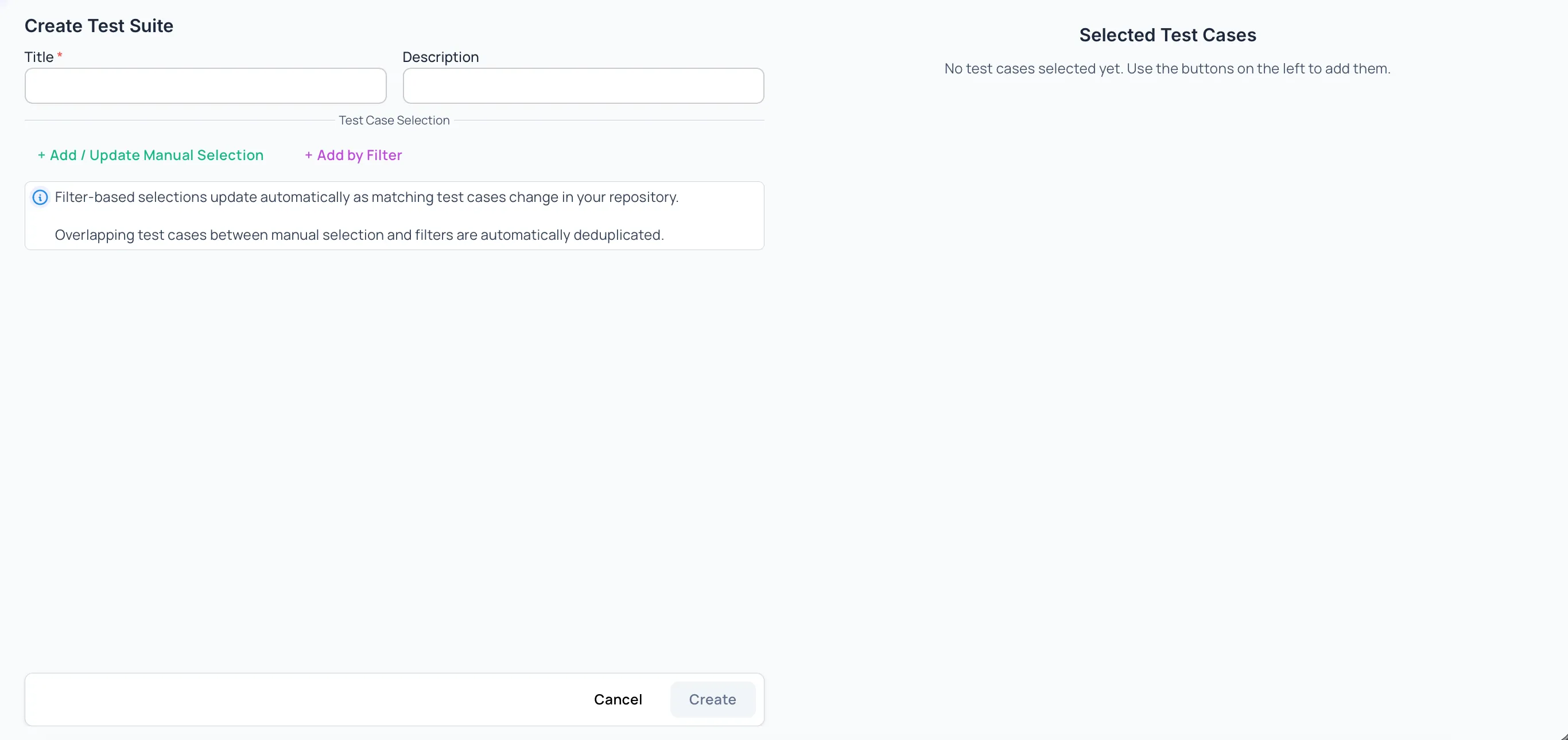
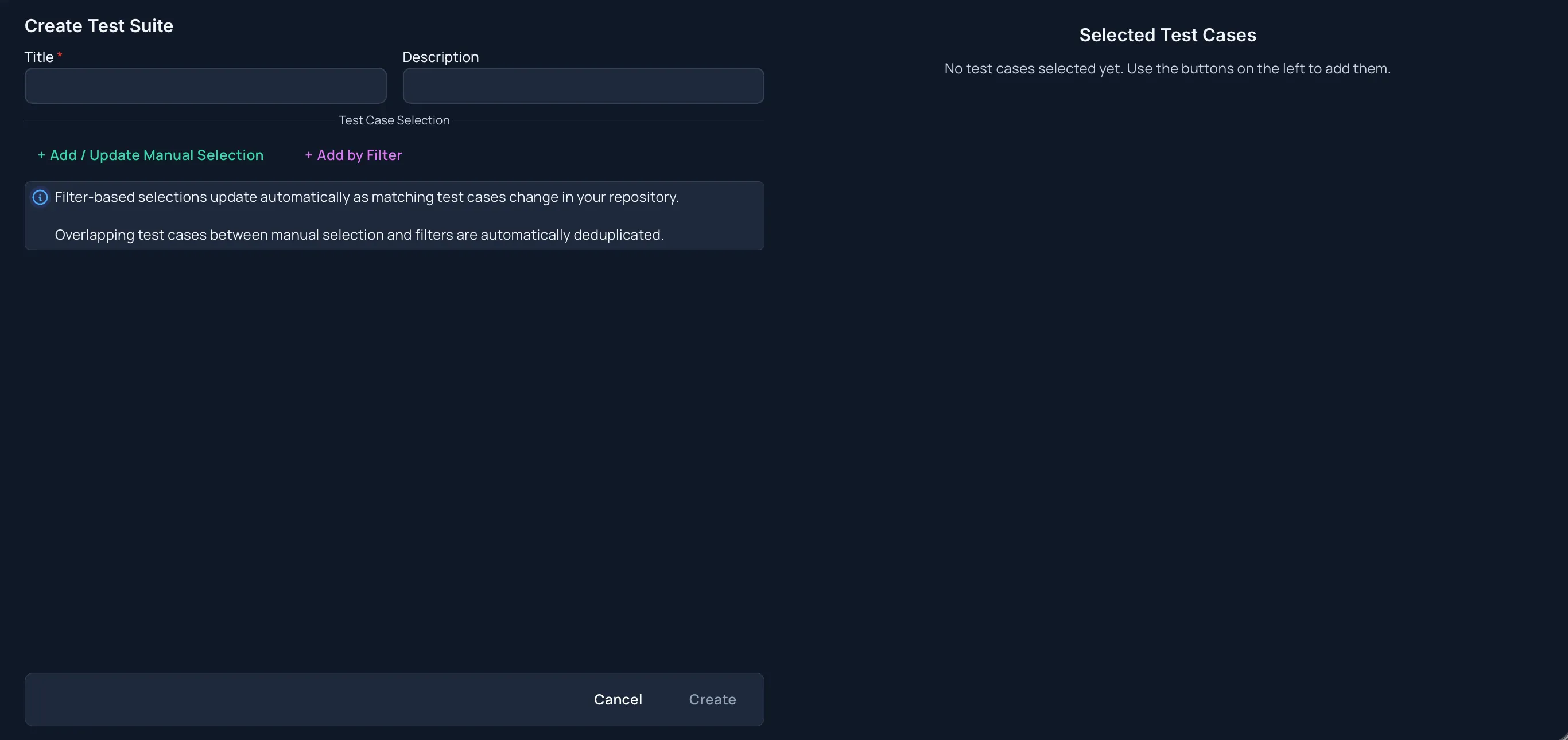
Test Suite Fields
Section titled “Test Suite Fields”Title
Required. Use a clear name that explains the purpose of the suite.
Description
Optional. Add a short summary for when the suite should be used.
Labels
Optional. Assign project labels to the test suite itself, just below the description. Search and select existing labels in the picker (placeholder Select labels), or choose Create New Label to add one when your role allows it. Remove a selected label from its badge.
Suite labels describe the suite and are separate from the Labels filter used to pick test cases (see Add Test Cases By Filter). They appear in the Labels column on the Test Suites page, where you can also filter by them.
The Create button is available only after the title is filled in.
Add Test Cases Manually
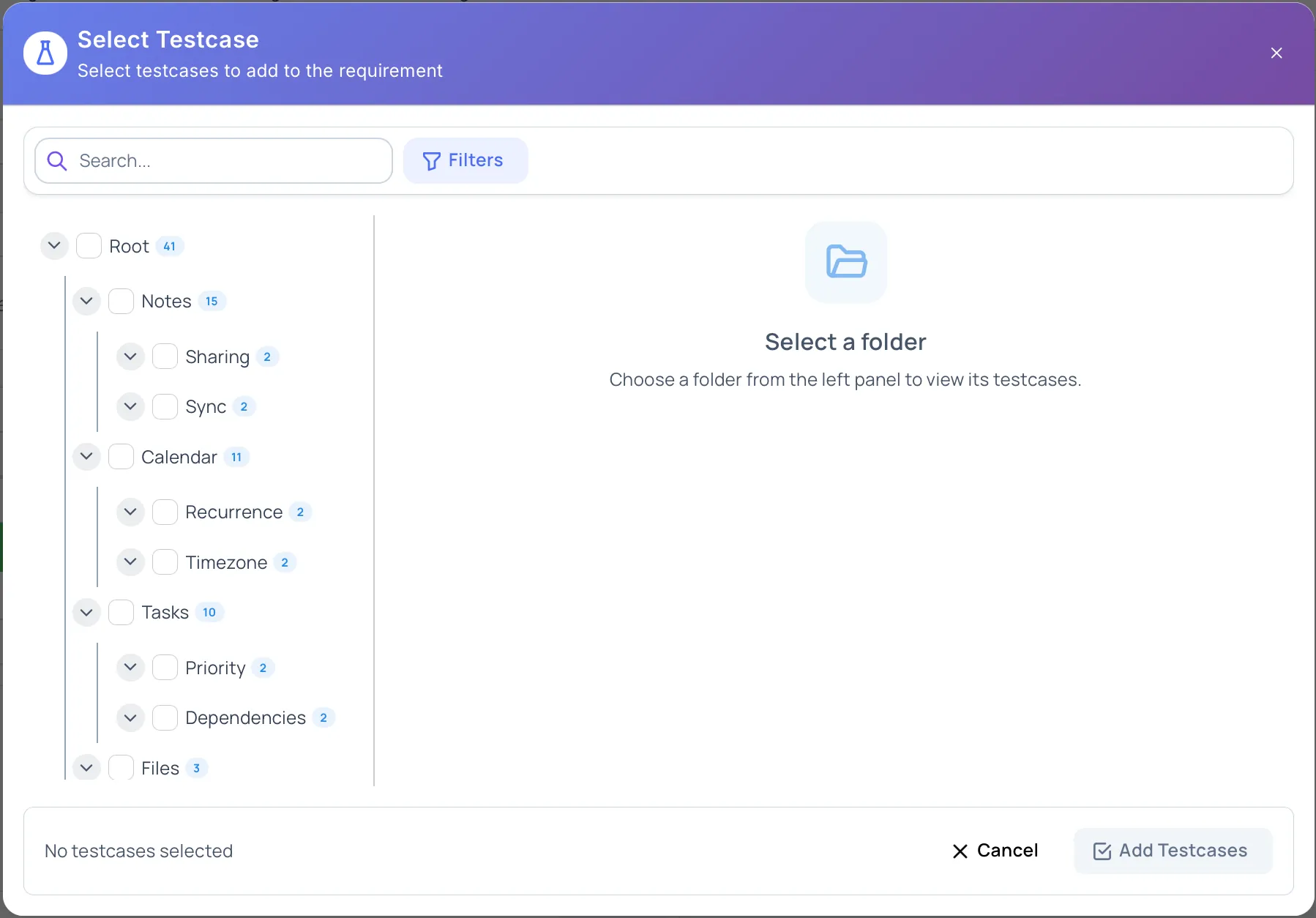
Section titled “Add Test Cases Manually”Manual selection lets you choose exact test cases.
-
Click Add / Update Manual Selection.
-
Select the test cases.
-
Confirm the selection.
Manually selected test cases stay in the suite until you remove them.
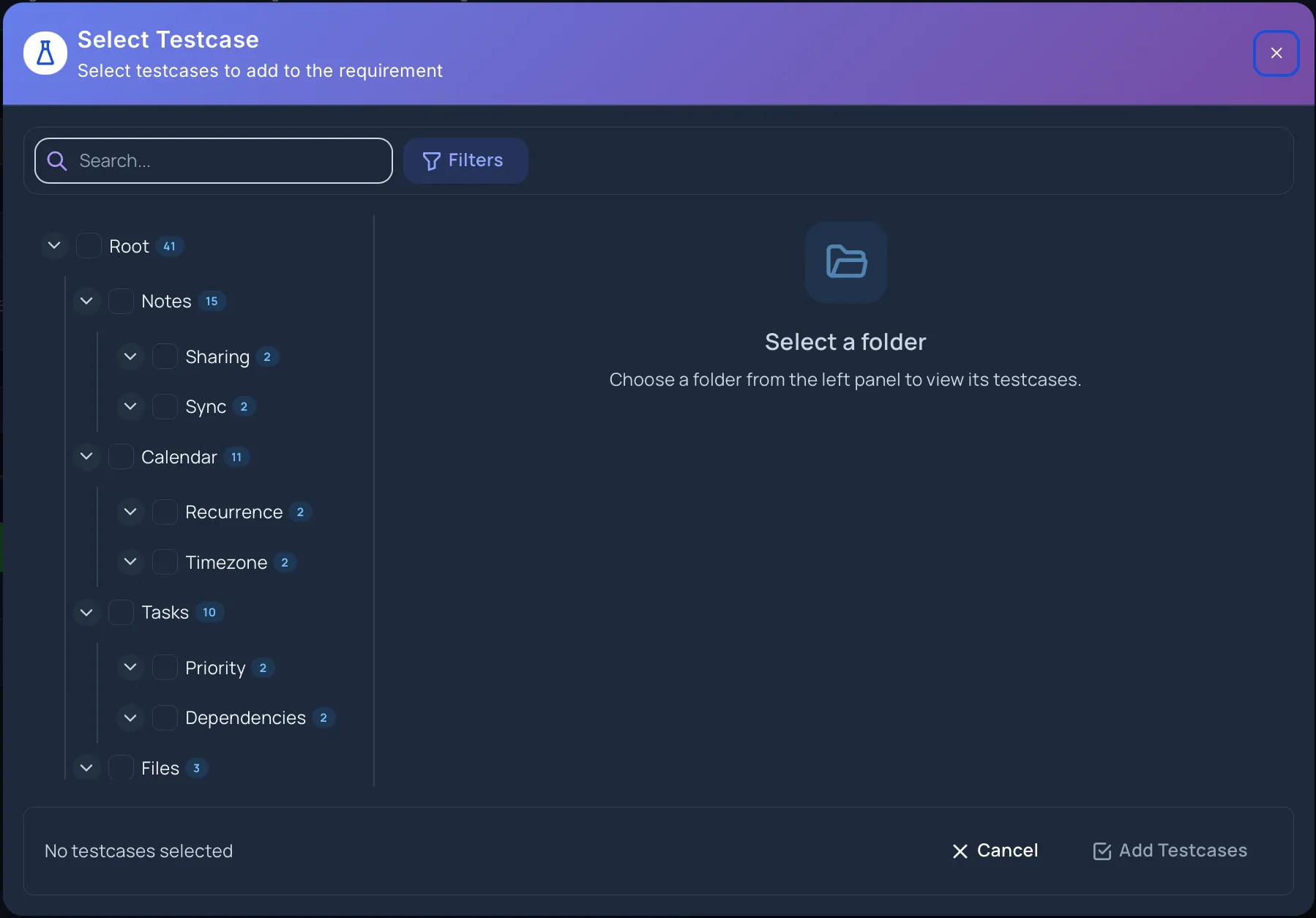
Add Test Cases By Filter
Section titled “Add Test Cases By Filter”Filter-based selection includes test cases that match your rules.
-
Click Add by Filter.
-
Choose filter criteria.
-
Apply the filter.
Filter-based selections update as matching test cases change in the repository.
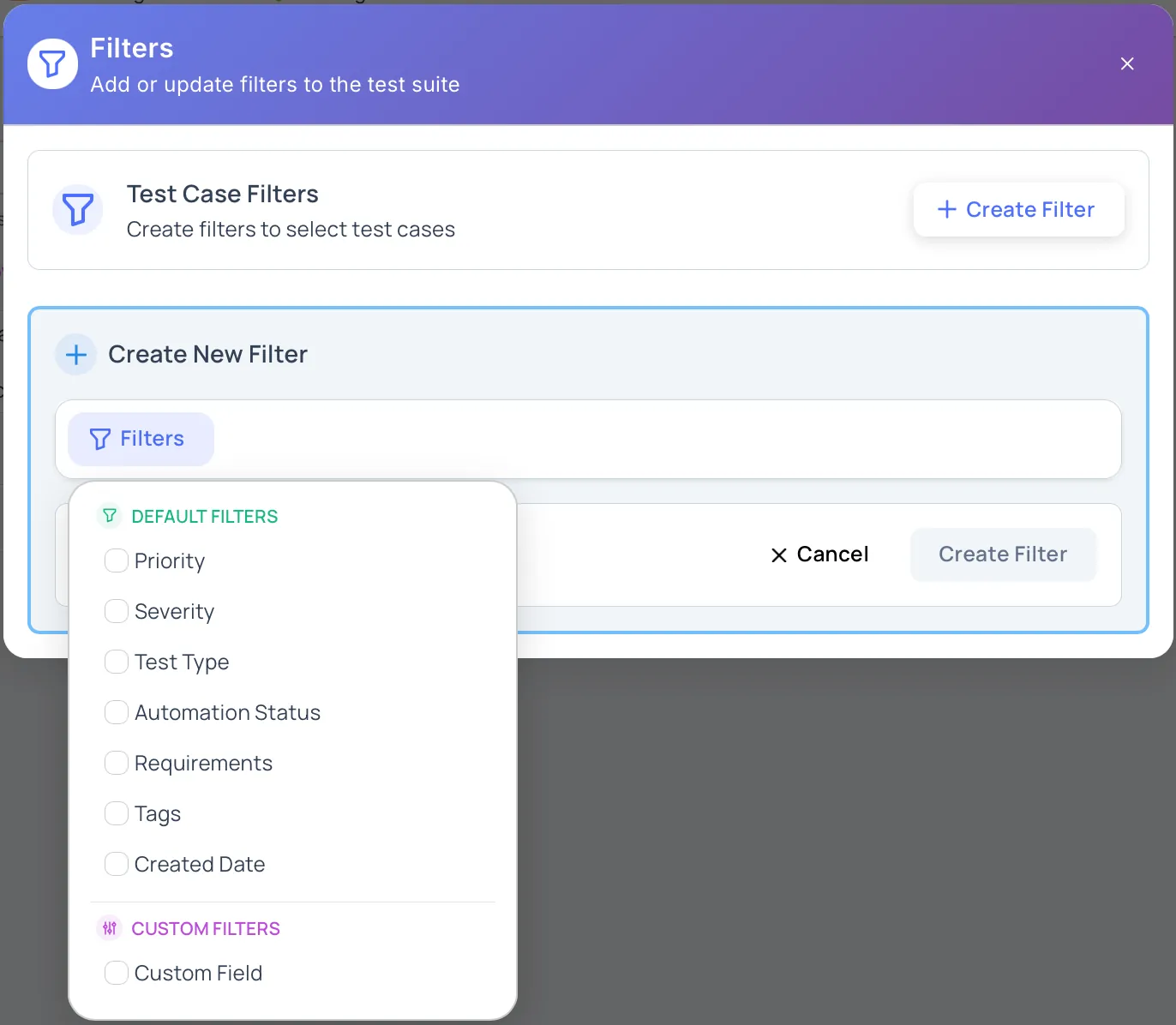
Current filter areas include:
- Priority
- Severity
- Test case type
- Automation status
- Requirements
- Labels
- Created date
- Folder location
- Dropdown custom fields
Review The Selection
Section titled “Review The Selection”The create view shows selected test cases on the right side.
Selections are grouped as:
- Manual
- Filter-Based Selection
The summary table shows each source, its count, and the Total Test Cases count. If the same test case appears in both manual and filter-based selections, Hawzu counts it once in the total.
Canceling
Section titled “Canceling”Click Cancel to leave the create view. If you have changed the title, description, or manual selection, Hawzu protects against leaving before you confirm what to do with those changes.
Permissions
Section titled “Permissions”Creating test suites depends on your project access. If you do not have permission to create test suites, the Create Test Suite action is not available.
Next Steps
Section titled “Next Steps”- Review how to manage test suites
- Learn where test suites are used