Create Panels
1 min read
Create a panel when you want a dedicated dashboard for a release review, quality trend, project area, or recurring team check-in.
Open The Create Panel Window
Section titled “Open The Create Panel Window”-
Open Observatory in a project.
-
Select Create Panel.
-
Fill in the panel details.
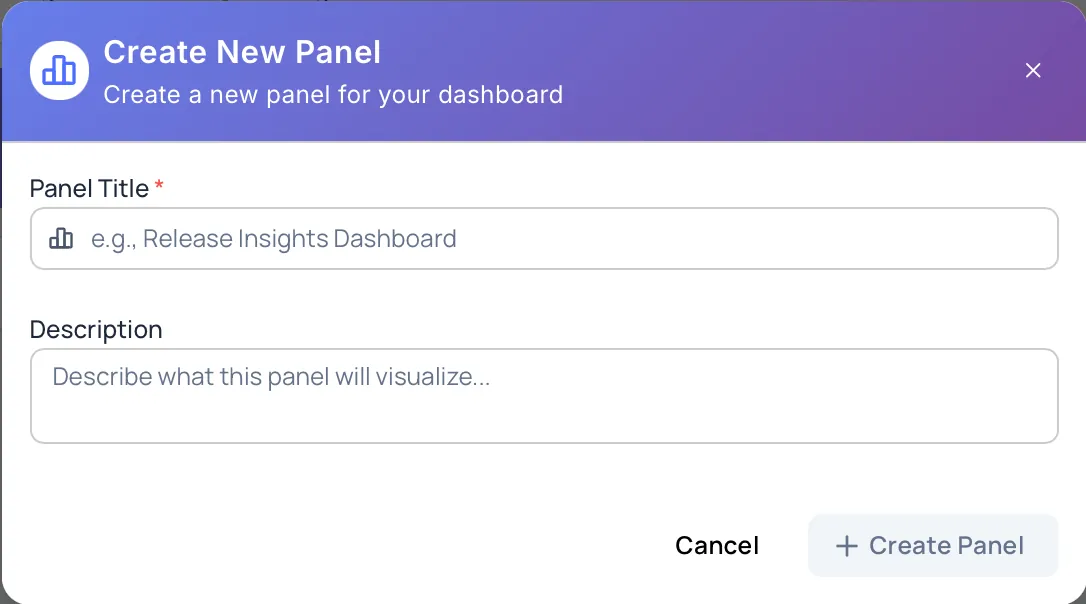
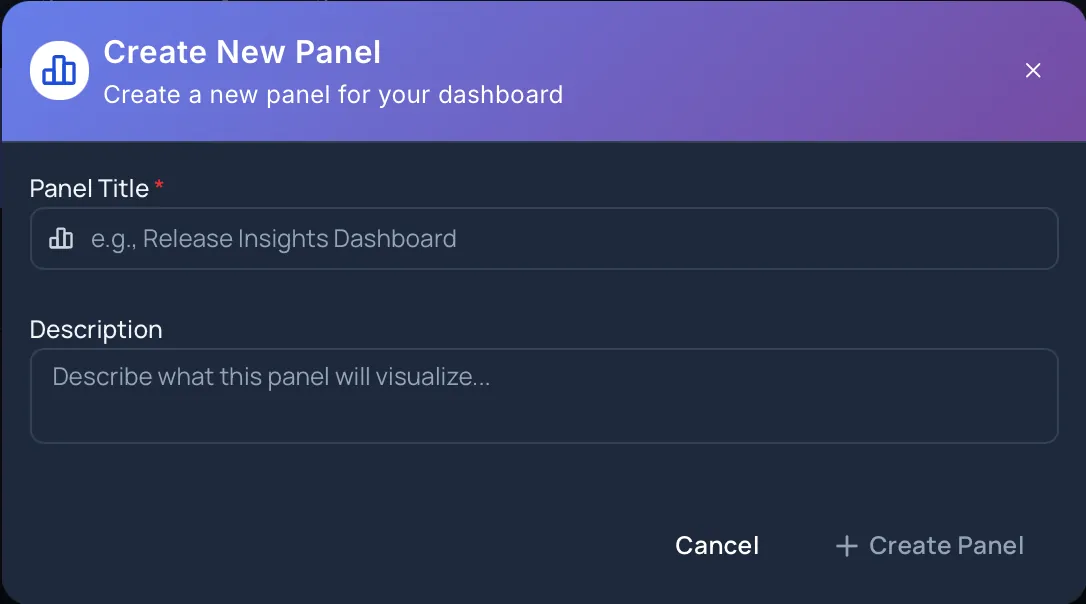
Panel Fields
Section titled “Panel Fields”Panel Title
Section titled “Panel Title”The panel title is required. Use a name that explains what the dashboard is for, such as Release Readiness, Execution Quality, or Repository Coverage.
The Create Panel button is available only after a title is entered.
Description
Section titled “Description”The description is optional. Add a short summary so other users understand what the panel should be used for.
Cancel And Unsaved Changes
Section titled “Cancel And Unsaved Changes”Select Cancel to close the create window.
If you have entered a title or description, Hawzu protects the unsaved changes before closing the window.
After Creation
Section titled “After Creation”After the panel is created, it appears on the Panels page. Open the panel to add charts.
Next Steps
Section titled “Next Steps”- Add charts with Create Charts
- Update panels with Manage Panels
- Plan dashboard structure with Organizing Panels