Create
3 min read
Executions and Test Runs both start by defining a testing session and selecting test cases.
Use Release Executions when the work belongs to a release. Use Test Runs when the work should stand alone in a project.
Create A Release Execution
Section titled “Create A Release Execution”To create an execution:
-
Open a release.
-
Go to the release executions area.
-
Click Create Execution.
-
Enter a required Title.
-
Add an optional Description.
-
Add optional Labels.
-
Select test cases.
-
Click Create.
The execution title may be prefilled with the release name as a prefix. You can keep the prefix or update the title before creating the execution.


Release Execution Fields
Section titled “Release Execution Fields”Title
Required. The Create button is unavailable until a title is present.
Description
Optional. Use this to describe the execution cycle, such as smoke, regression, revalidation, or final validation.
Labels
Optional. Assign project labels to the execution. Search and select existing labels, create one with Create New Label when your role allows it, and remove a label from its badge. Execution labels appear in the Labels column on the executions list and can be filtered there.
Selected Test Cases
Choose test cases manually, from requirements, from test suites, or by combining sources.
Release Status Rules
Section titled “Release Status Rules”Release status controls whether execution creation is available.
| Release Status | Creation Behavior |
|---|---|
| Not Started | Executions are allowed with a warning. |
| In Progress | Executions are allowed. |
| Paused | Executions are blocked. |
| Completed | Executions are blocked. |
| Archived | Executions are blocked. |
If Create Execution is unavailable, the release status or user access may be preventing creation.
Create A Test Run
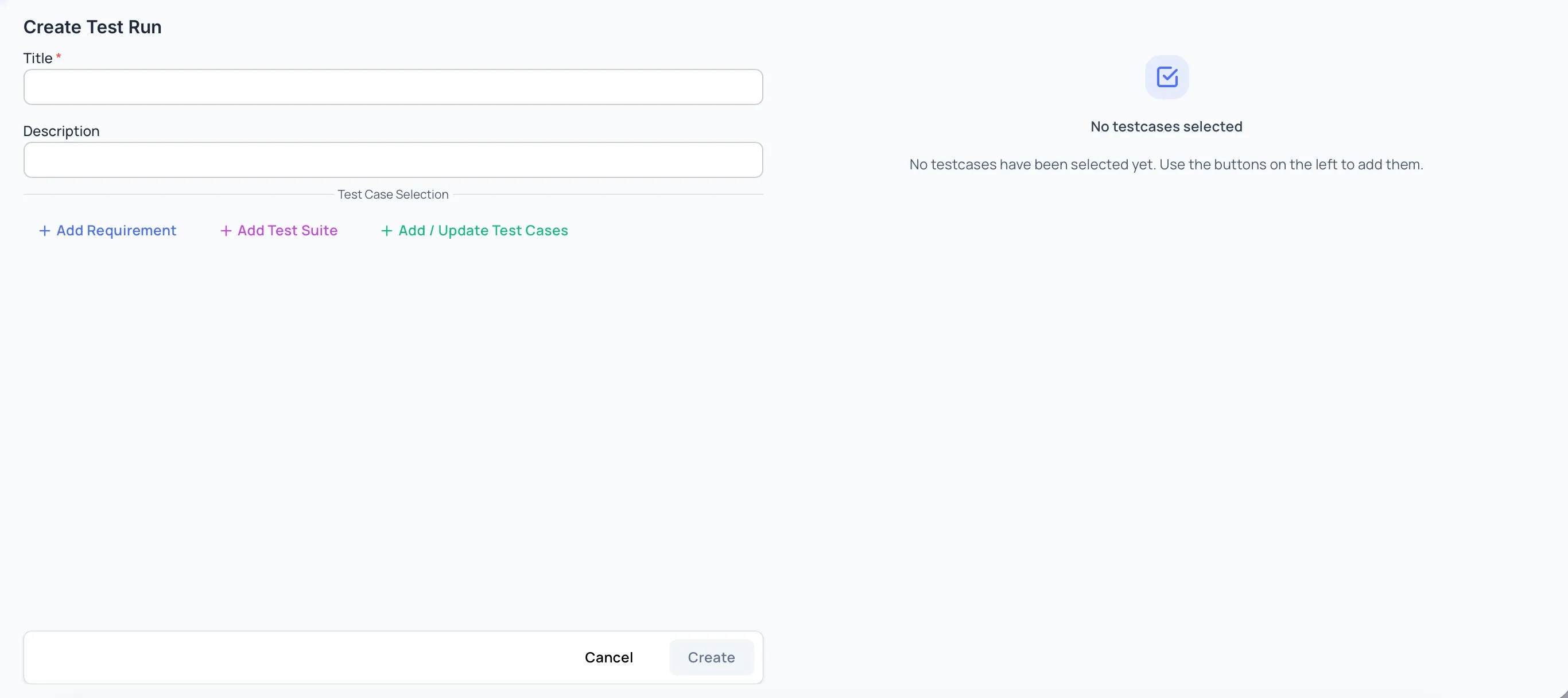
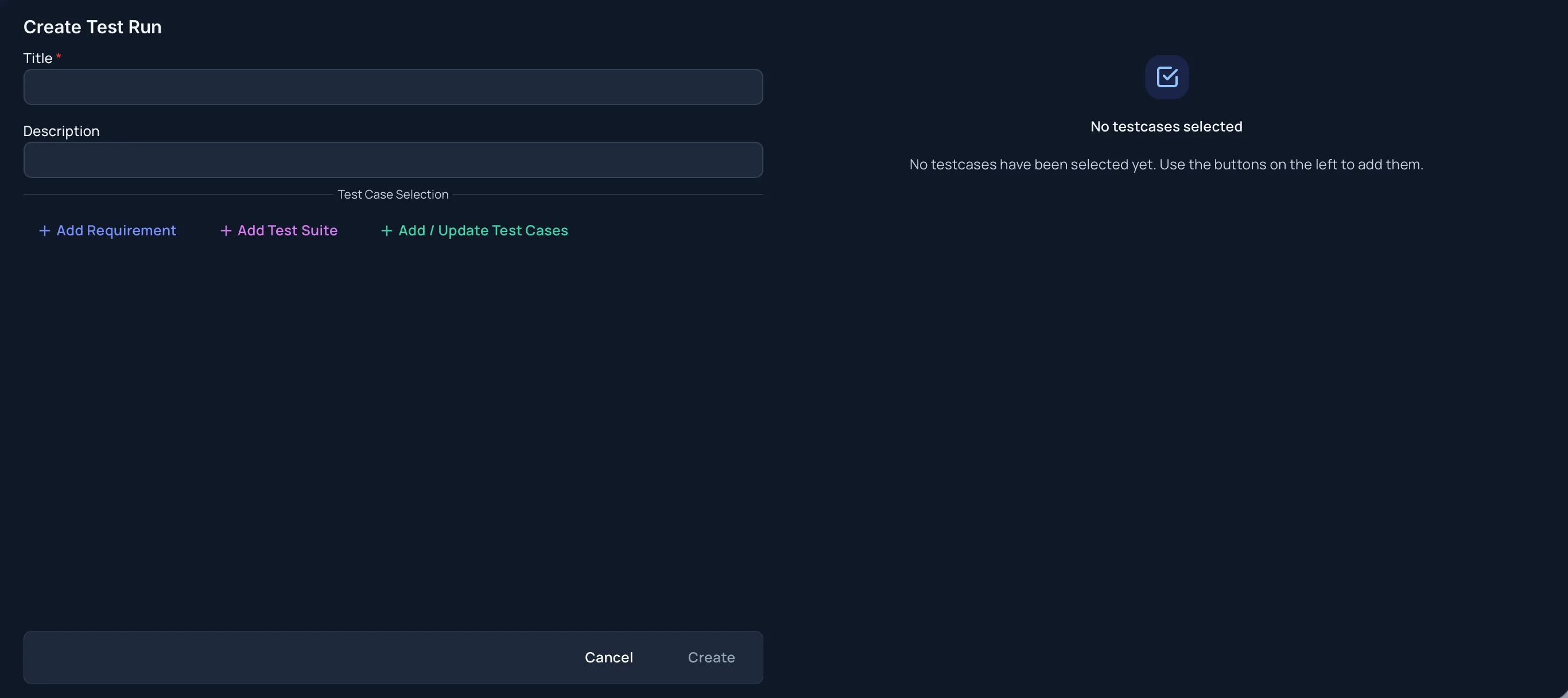
Section titled “Create A Test Run”To create a test run:
-
Open a project.
-
Go to Test Runs.
-
Click Create Test Run.
-
Choose a Type — Manual or Automated (CI/CD).
-
Enter a required Title.
-
Add an optional Description.
-
Add optional Labels.
-
Select test cases.
-
Click Create.
Test Run Fields
Section titled “Test Run Fields”Type
Manual or Automated (CI/CD) — “A manual run is worked through by testers; an automated run is driven by a CI/CD pipeline.” Choosing Automated (CI/CD) adds a CI/CD Config panel where you name the pipeline that runs it and decide whether a build starts on create. See Create an Automated Test Run.
Title
Required. The Create button is unavailable until a title is present.
Description
Optional. Use this to describe what is being validated, the scope, or any special testing notes.
Labels
Optional. Assign project labels to the test run. Search and select existing labels, create one with Create New Label when your role allows it, and remove a label from its badge. Test run labels appear in the Labels column on the Test Runs list and can be filtered there.
Selected Test Cases
Choose test cases manually, from requirements, from test suites, or by combining sources.
Select Test Cases
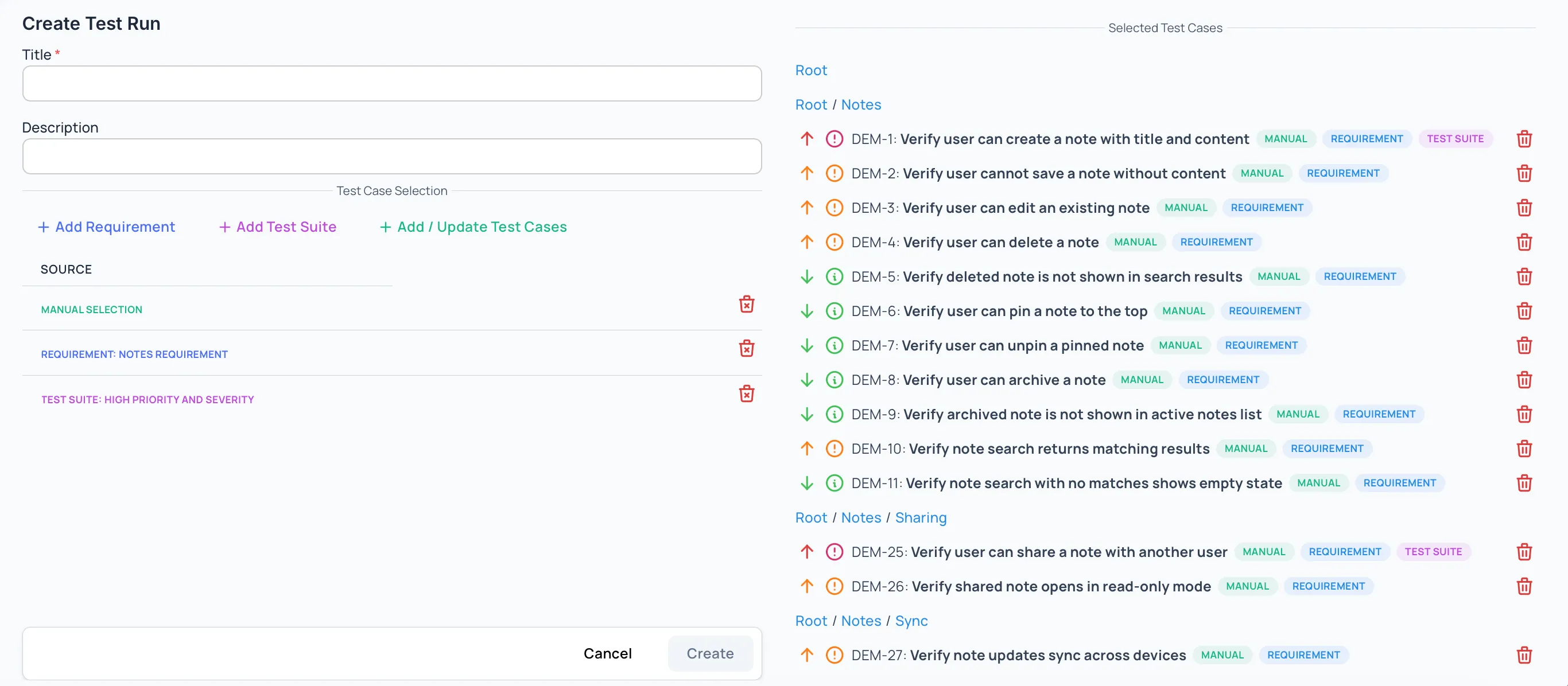
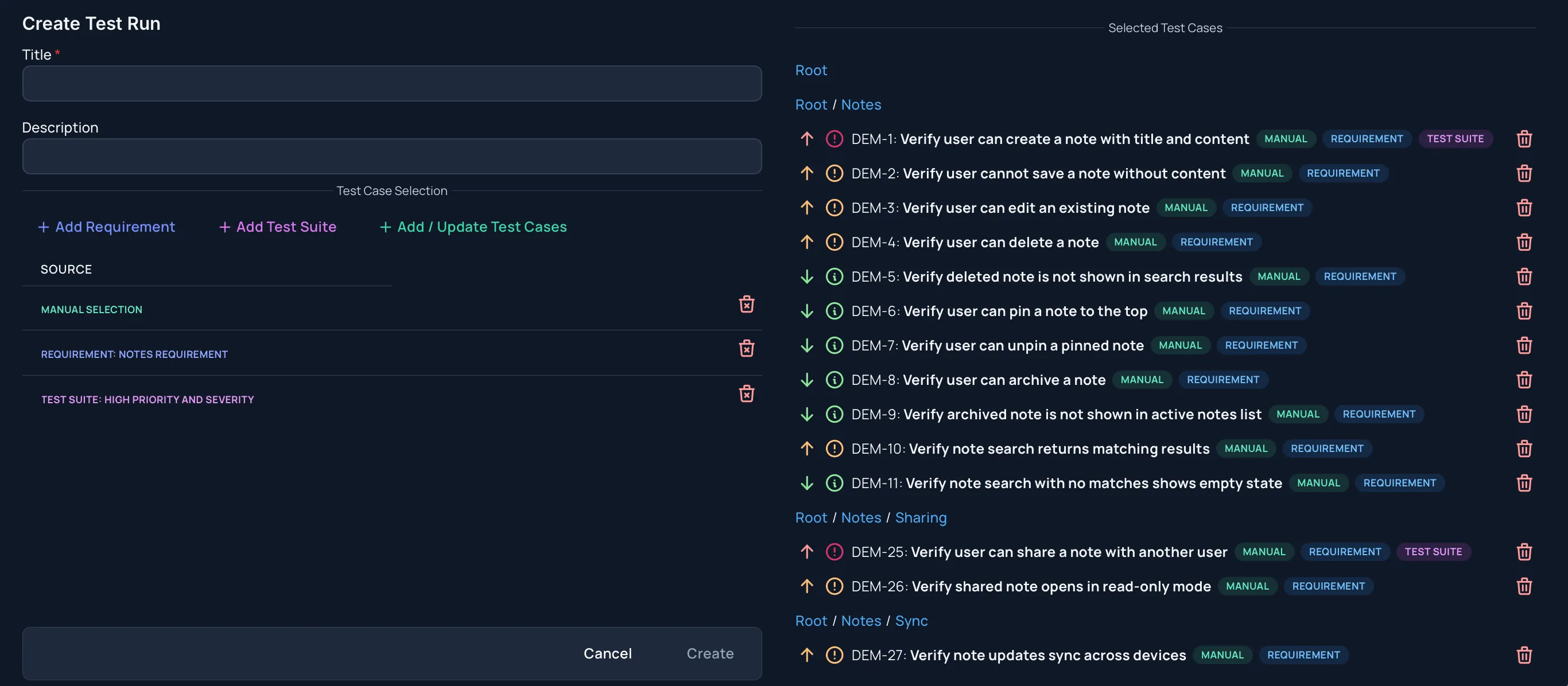
Section titled “Select Test Cases”Executions and Test Runs can include test cases from three sources.
Manual selection
Use Add / Update Test Cases to choose individual test cases.
Requirements
Add requirements to include linked test cases. Already selected requirements are not shown again in the requirement picker.
Test Suites
Add test suites to include their test cases. Already selected test suites are not shown again in the test suite picker.
You can combine all three sources in one execution or test run.
Source Indicators And Deduplication
Section titled “Source Indicators And Deduplication”If the same test case is selected from more than one source, Hawzu keeps one copy.
Source indicators show whether a test case came from:
- Manual selection
- A requirement
- A test suite
- Multiple sources
This helps users understand why a test case is included without creating duplicate execution work.
Removing Sources Before Creation
Section titled “Removing Sources Before Creation”Before creating, users can remove:
- Manually selected test cases
- Selected requirements
- Selected test suites
If a test case is still included by another source, it remains selected. If it was included only by the removed source, it is removed from the selected test case list.
Cancel And Create Behavior
Section titled “Cancel And Create Behavior”Cancel closes the create window without creating the execution or test run.
For release executions, the Create button shows Creating… while the execution is being created.
If the create action is unavailable, check:
- Required title
- Project access
- Release status for release executions
Related Guides
Section titled “Related Guides”- Learn how to Manage Executions and Test Runs
- Learn how to Run Tests
- Review Release Executions
- Review Test Runs