Creating Parameters
2 min read
Create parameters when a value should be reused across test content instead of typed repeatedly. The scope depends on where you open the Parameters page: workspace parameters are shared across the workspace, while project parameters belong to one project.
Open the Create Parameter Window
Section titled “Open the Create Parameter Window”-
Open the workspace or project where the parameter should live.
-
Go to Parameters.
-
Select Create Parameter.
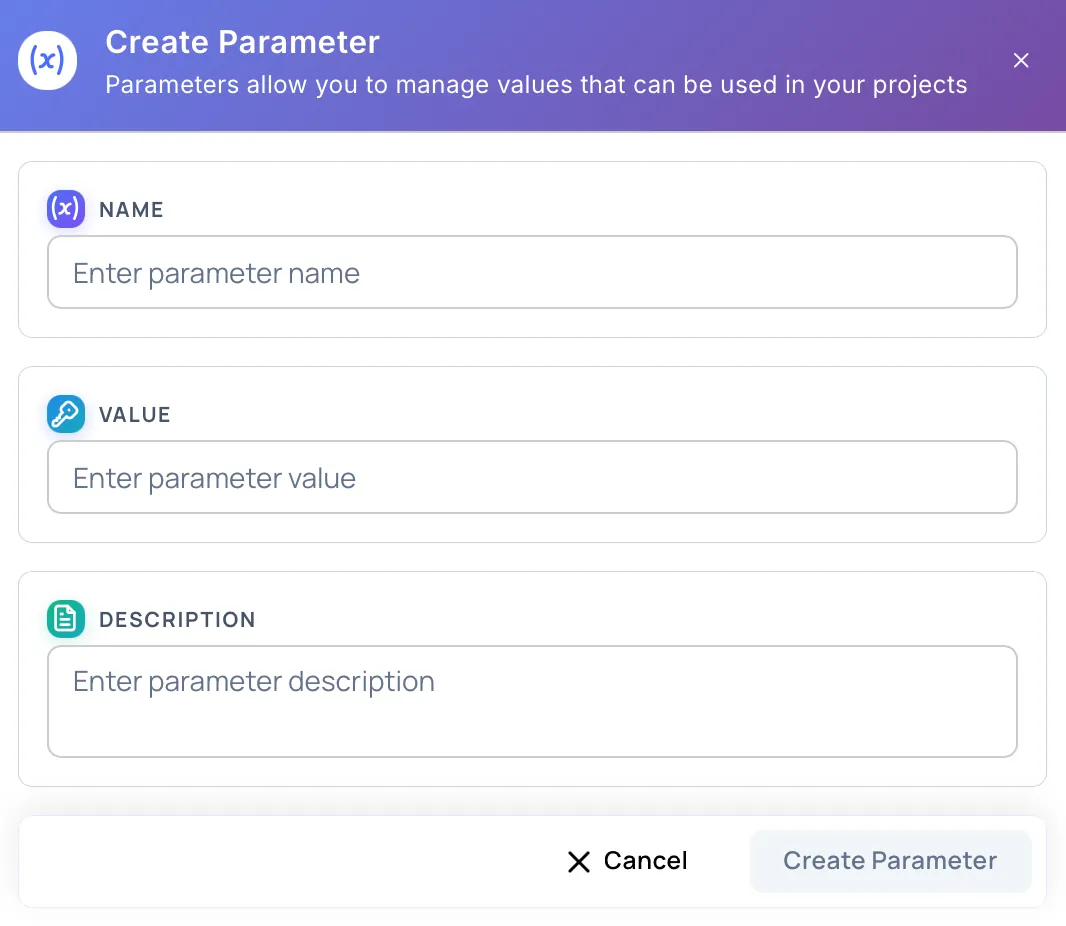
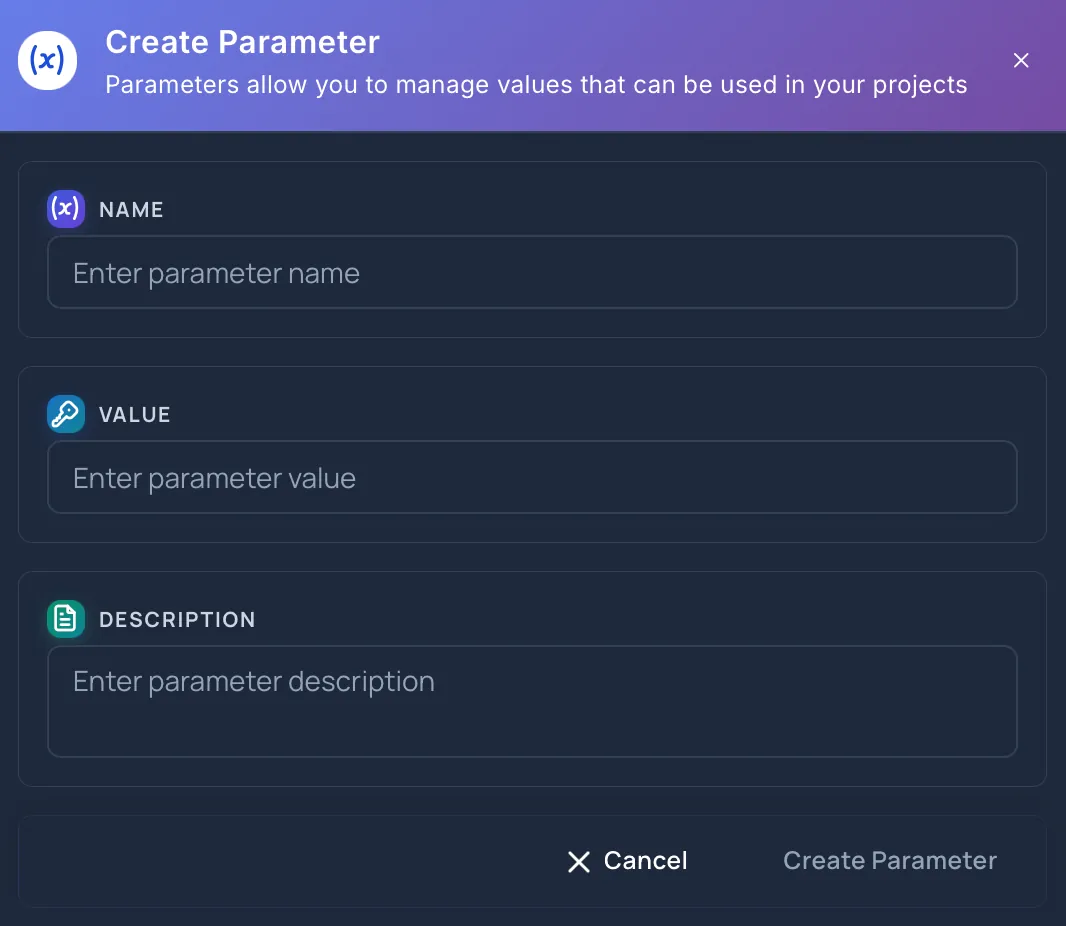
Parameter Fields
Section titled “Parameter Fields”The name is required and must be at least 3 characters.
Use a clear name that explains the value, such as application_login_url or customer_admin_user. Keep names stable after the parameter is used widely so teams can recognize them in editors and usage lists.
The value is required.
This is the text that appears wherever the parameter is used. The value can be edited later from the parameter details view.
Description
Section titled “Description”The description is optional.
Use it to explain what the value represents, when it should be used, and whether the parameter is intended for a specific environment or workflow.
Create Behavior
Section titled “Create Behavior”The Create Parameter button is enabled only when the required fields are valid. While Hawzu creates the parameter, the button shows a loading state.
Select Cancel to close the window. If you changed any fields, Hawzu protects you from accidentally losing unsaved work.
Workspace vs Project Creation
Section titled “Workspace vs Project Creation”Create a parameter at the workspace level when the value should be available across projects. Create it at the project level when the value is specific to one project.
Workspace parameters are especially useful for shared URLs, common environment names, and organization-wide values. Project parameters are better for project-specific accounts, temporary values, or local test data.
Learn more in Workspace vs Project Scope.
After Creating
Section titled “After Creating”After the parameter is created, it appears in the Parameters table and in supported parameter pickers. Teams can insert it with the Insert Variable ($) toolbar action or by typing $ in supported rich-text editors.